Schedule · Route · Dispatch

Beta

Dispatch that keeps up as you add crews

Smarter routes and a clear view of which crews have room.

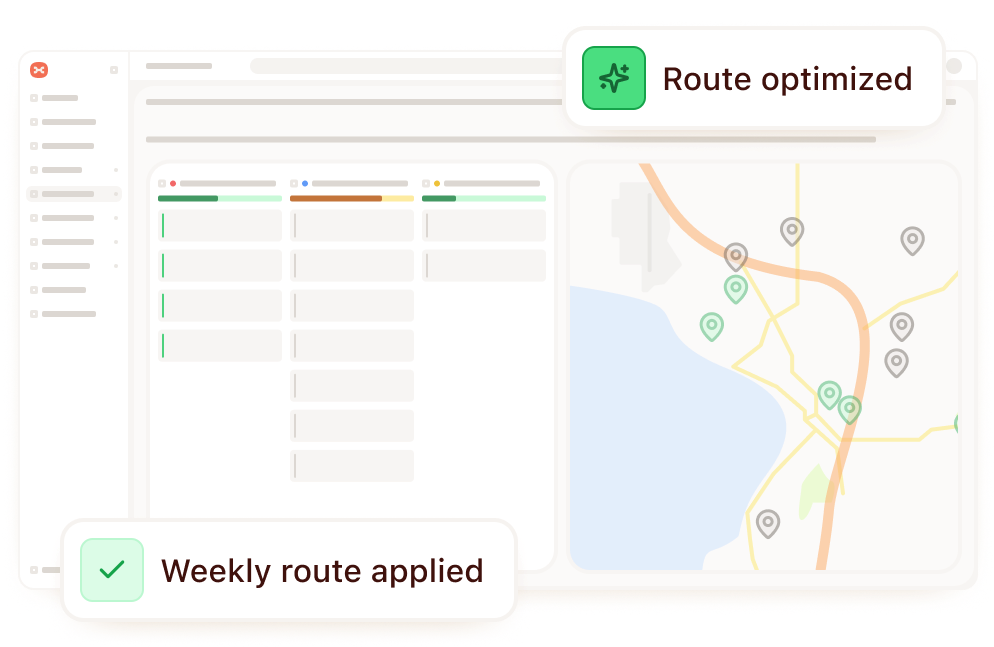
Route-planning dashboard shows an optimized route on a map, with a confirmation that the weekly route was applied.
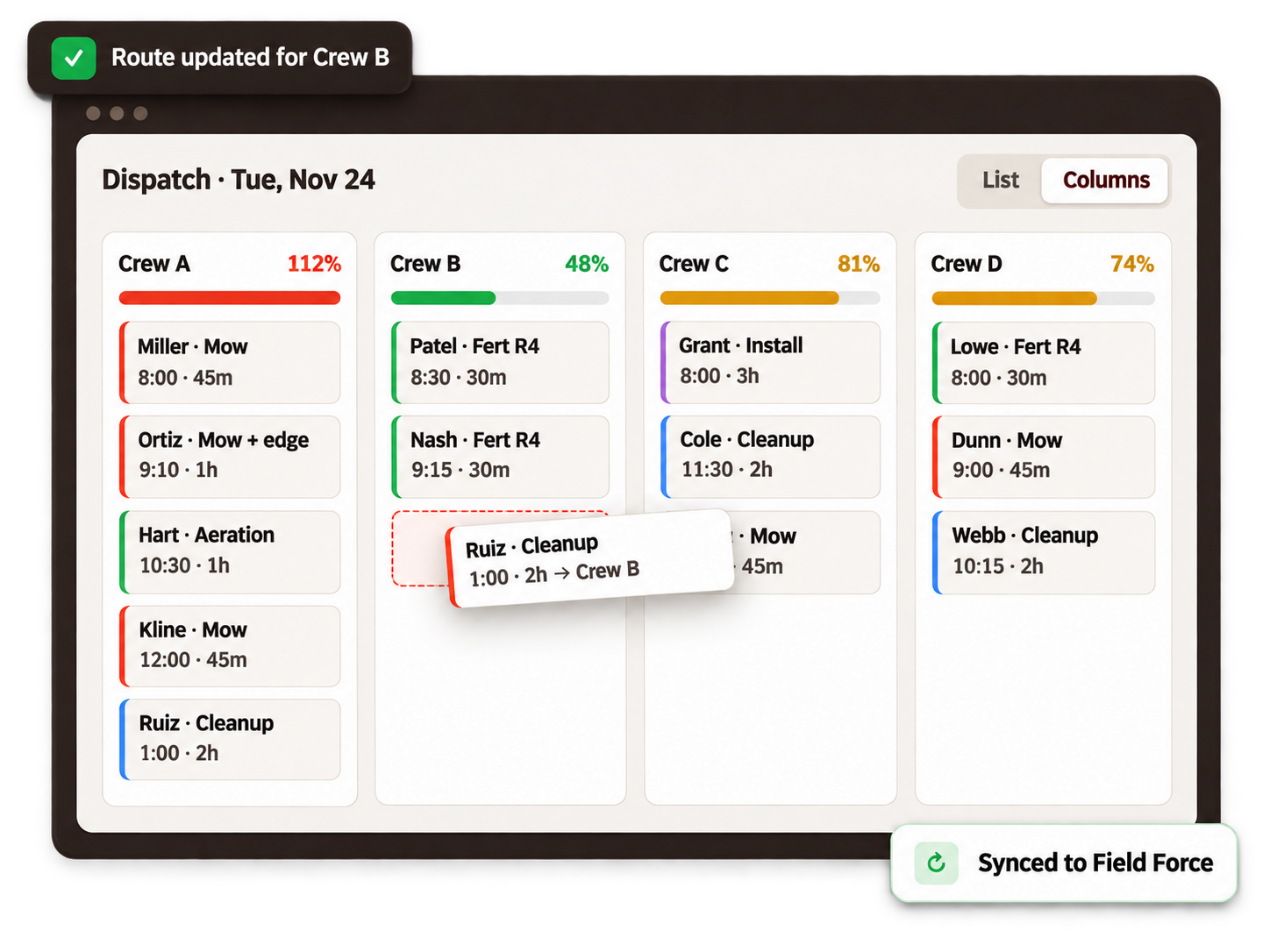
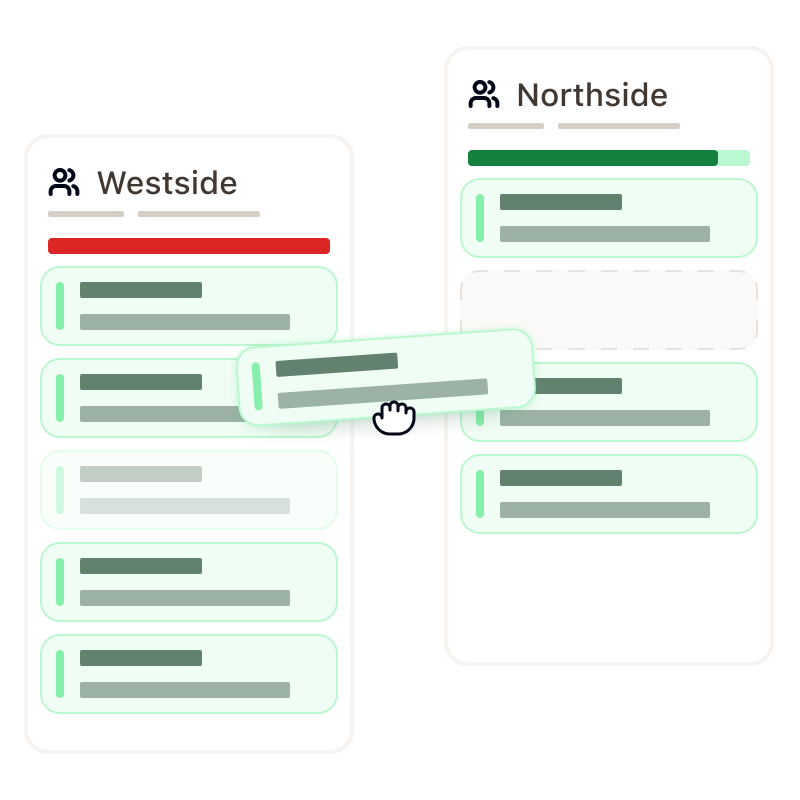
Dispatch board showing an overbooked crew and a crew with room for another job.

Don’t let growing teams, crews, and routes slow you down

Timer

Build routes in minutes, even as your crew count grows.

Calendar Check

Balance the day so every crew gets a full schedule.

Cloud Sun Rain

Move a rain day’s jobs in one step.

Dispatch that grows with your business

Plan

Build routes in less time

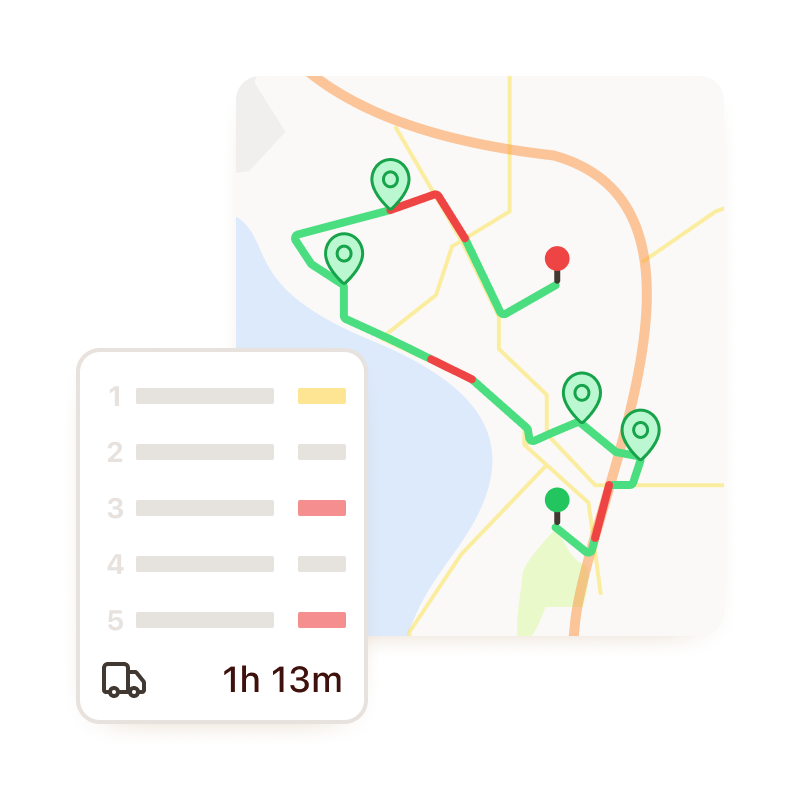
Plan around start times, expected traffic, and how long each stop takes.

Smarter routes

Routes account for traffic, start times, and time on site.

Start and end points

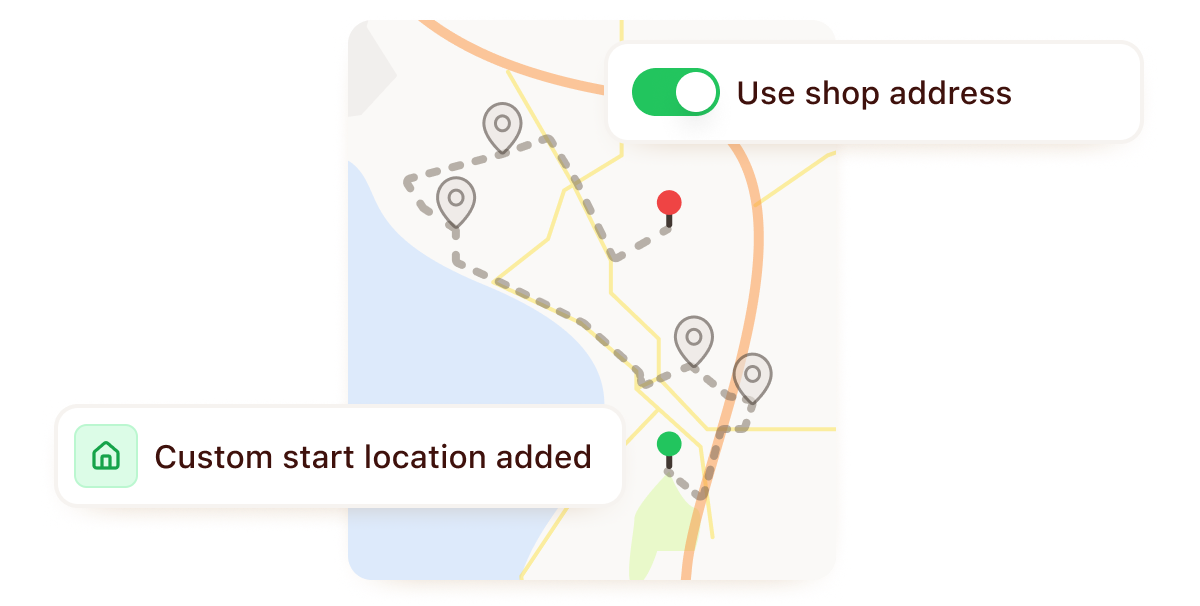
Start a route from your shop, a crew's location, or any spot on the map. Save it for future weeks.

Look ahead

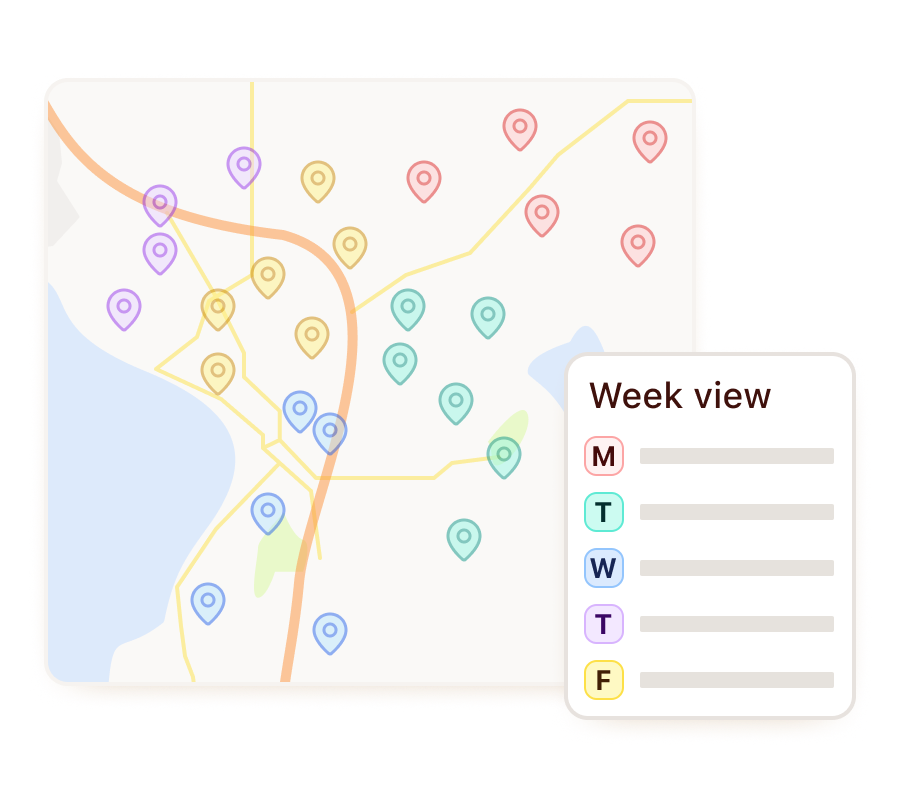
View a few days at once and build tomorrow's routes before you leave the office.
Smarter routes
Start and end points
Look ahead
Balance

Keep your team’s workload balanced

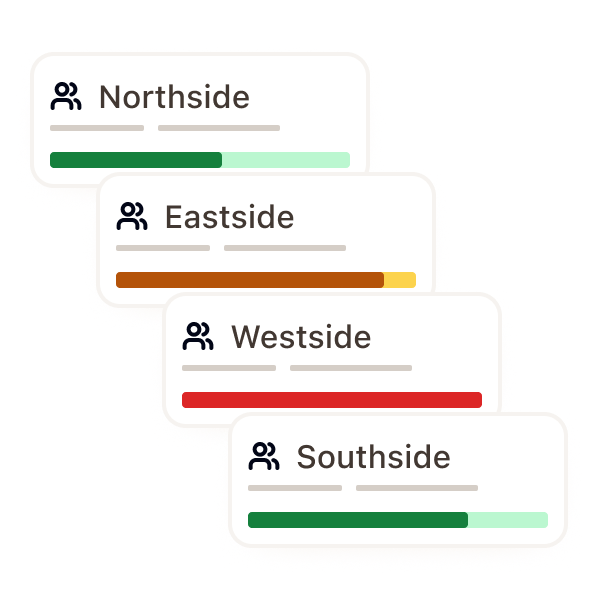
The board shows each crew’s workload with capacity bars. Spot who is overbooked and move work to a crew with room.

Capacity bars

See each crew's load for the day at a glance.

Drag and drop

Drag a job to another crew to reassign it. Drag it up or down to change the route order.

List and board views

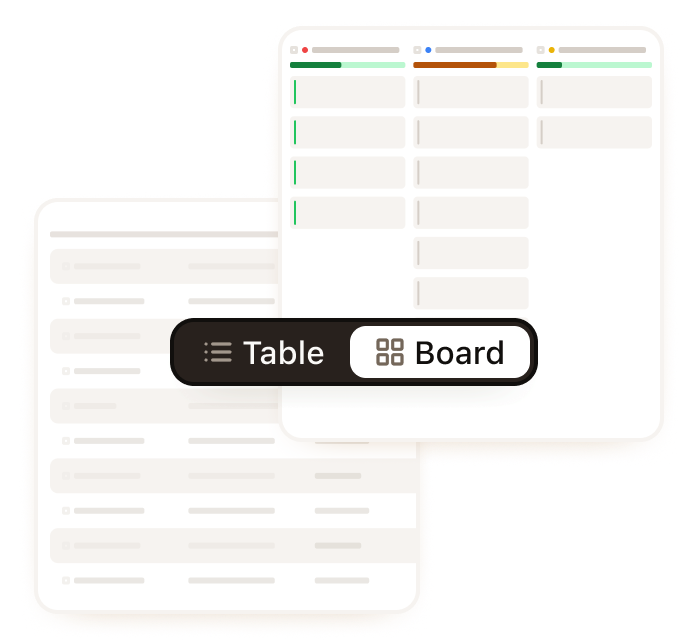
Switch between a consolidated list of visits and a board that shows each crew side by side.
Capacity bars
Drag and drop
List and board views
Adjust

Make day-of adjustments with ease

Weather, call-outs, and last-minute changes happen. Update routes and schedules in a few clicks.

Change many jobs at once

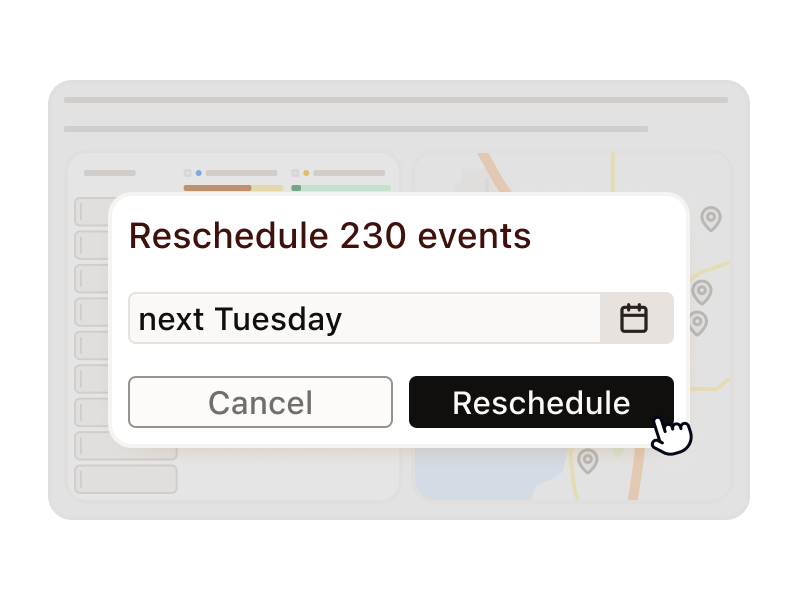
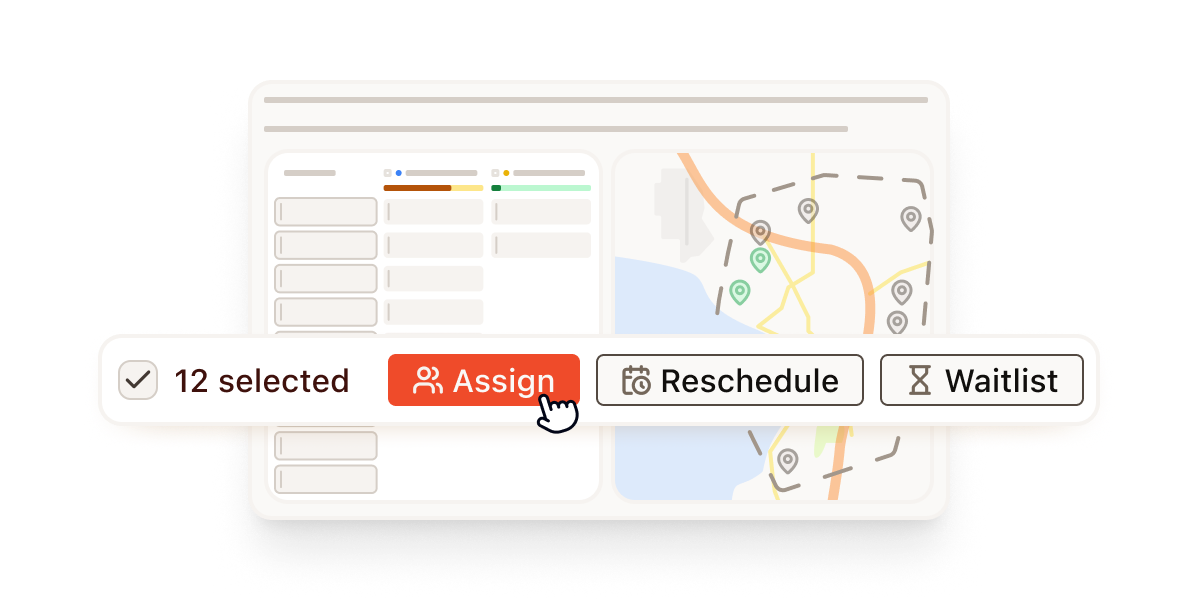
Select several visits. Then reschedule, assign, skip, complete, or move them to the waitlist.

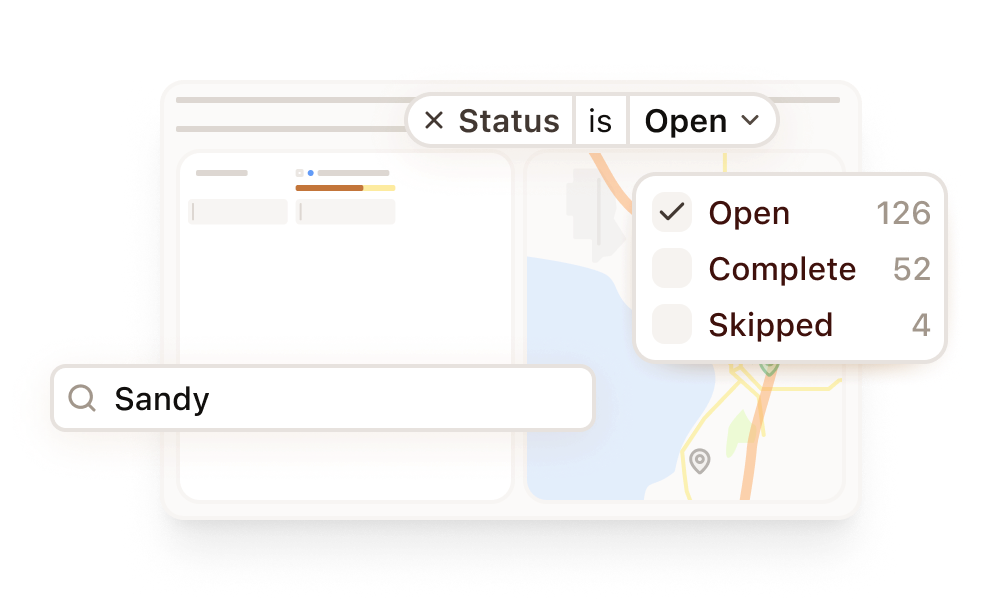
Find work fast

Filter by status or service type. Search by customer or address.

Move a whole day

A snow or rain day used to mean an hour of moving jobs one by one. Select them all and move them at once.
Change many jobs at once
Find work fast
Move a whole day

Field Force sync

Your crews see the new plan as soon as you make it

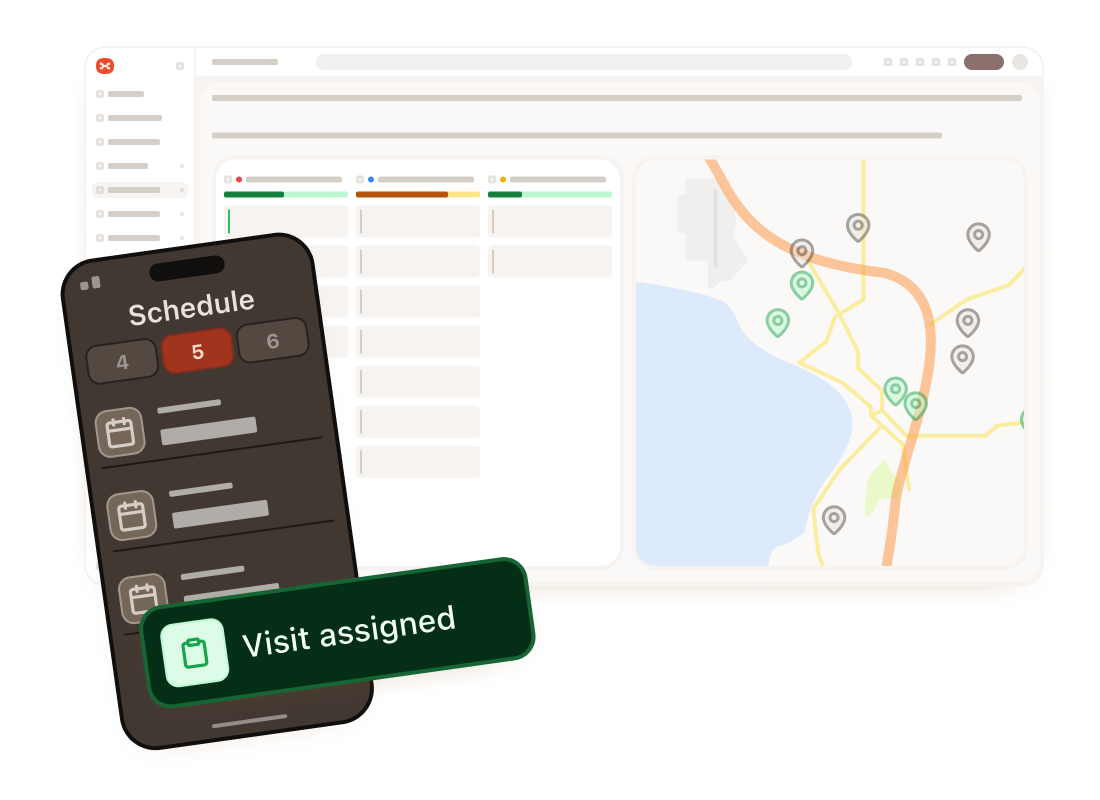
Every change shows up right away in the rest of Homeworks and in Field Force.

Dispatch board and Field Force showing the same crew route update.

Shaped by customers

Built with feedback from crews like yours

We deliver based on your ideas, feedback, and votes.

Quote

The new map features are a huge improvement... time required for scheduling in the morning has been cut in half

Andrew Savage

Snow & Mow Inc

Quote

Split view is a big step up for us dispatching 8 crews

John Mueller

Mueller Landscape Inc

19+

Feature requests and ideas shipped


Check

Flexible start/end locations for routes


Check

Custom rules for “apply to future weeks”


Check

Filter skipped visits


Check

Organize and display visits using tags

Try the new board today, switch back any time.

Your jobs and crews are already there, try it for a day or a whole week. You can go back to the classic dispatch experience if you need to.

1

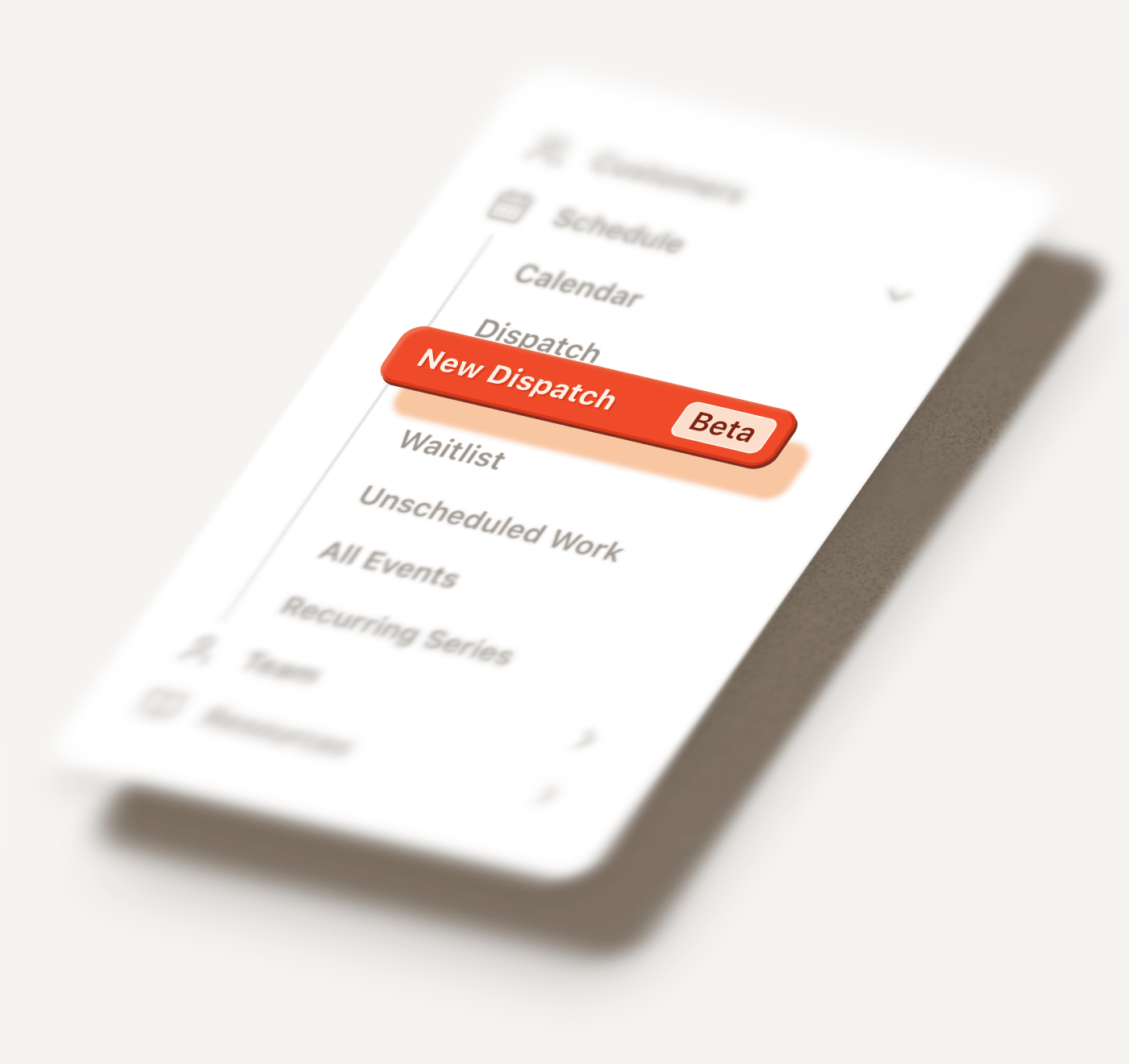
Open the Schedule menu

2

Click “New Dispatch”

3

Switch to classic dispatch if necessary

A tilted smartphone displays a task list with “New Dispatch” highlighted in orange.

F.A.Q.

Don't see your question?

  • Do I have to switch?

    No. Classic dispatch stays available during the beta, so you can switch when you're ready.

  • What does "public beta" mean?

    The board is open to everyone. You may hit a rough spot, and we're shipping fixes based on what users report.

  • How do I report a problem?

    Click Live Support > Messages in the left menu and tell us what happened. A screenshot helps a lot.

  • Which plans include it?

    To confirm beta access for your plan, open Live Support > Messages in Homeworks.

  • Do my crews need to do anything?

    No. Changes show up in Field Force right away.

  • Will my saved routes carry over?

    To confirm whether your saved routes will carry over, open Live Support > Messages in Homeworks.

Homeworks Growth Guarantee

If your business doesn't grow,

you keep your money

If your business doesn’t grow at least 10% in your first year using Homeworks, 
we’ll refund your software fees.


Your software should earn its seat at the table.

Customer reviews

Card on file requirements and deposits feature is a game changer

Marco Garcia | Vancouver, WA

Estrella Lawns

Homeworks helped our multi-unit operation grow 55%

Sam Gustin | Austin, TX

Troops Mowing

We rarely ever have to call a customer anymore with text and email automations

Brandon Muise | Boston, MA

Simply Lawn Care

We grew our business from $500k to $1M within 1 season

Jennings Teller | Havre De Grace, MD

JBJ Lawn Mowers & Landscaping

Our revenue doubled and we could track it!

Ben Boomgaarden | Detroit Lakes, MN

All-Ashore